Archera QuickStart Guide (AWS)
Last updated: September 25, 2025
Archera is next-generation cloud financial management software that helps companies of all sizes optimize their cloud financial efficiency. In this article we will cover a quick start walkthrough to using Archera with AWS as a service provider. We'll also look at a few examples of how to use the Archera platform as a starting point to realize value in the form of increased savings, decreased time spent managing cloud resources, and de-risking infrastructure investments.
Pre-Requisites
Administrator access to AWS console
AWS Master Account Number
Nice To Haves
Identify a "Commitment Manager" in your organization
Understand how your infrastructure is organized (e.g. by tags, accounts, etc)
Enable Compute Optimizer
Steps Covered in this Guide
Register for Archera
Connect to your AWS accounts
Only organization sub-accounts that contain commitments need to be connected for full commitment visibility and analysis.
Purchasing Commitments for uncovered Infrastructure
Automating Renewals
Register on Archera
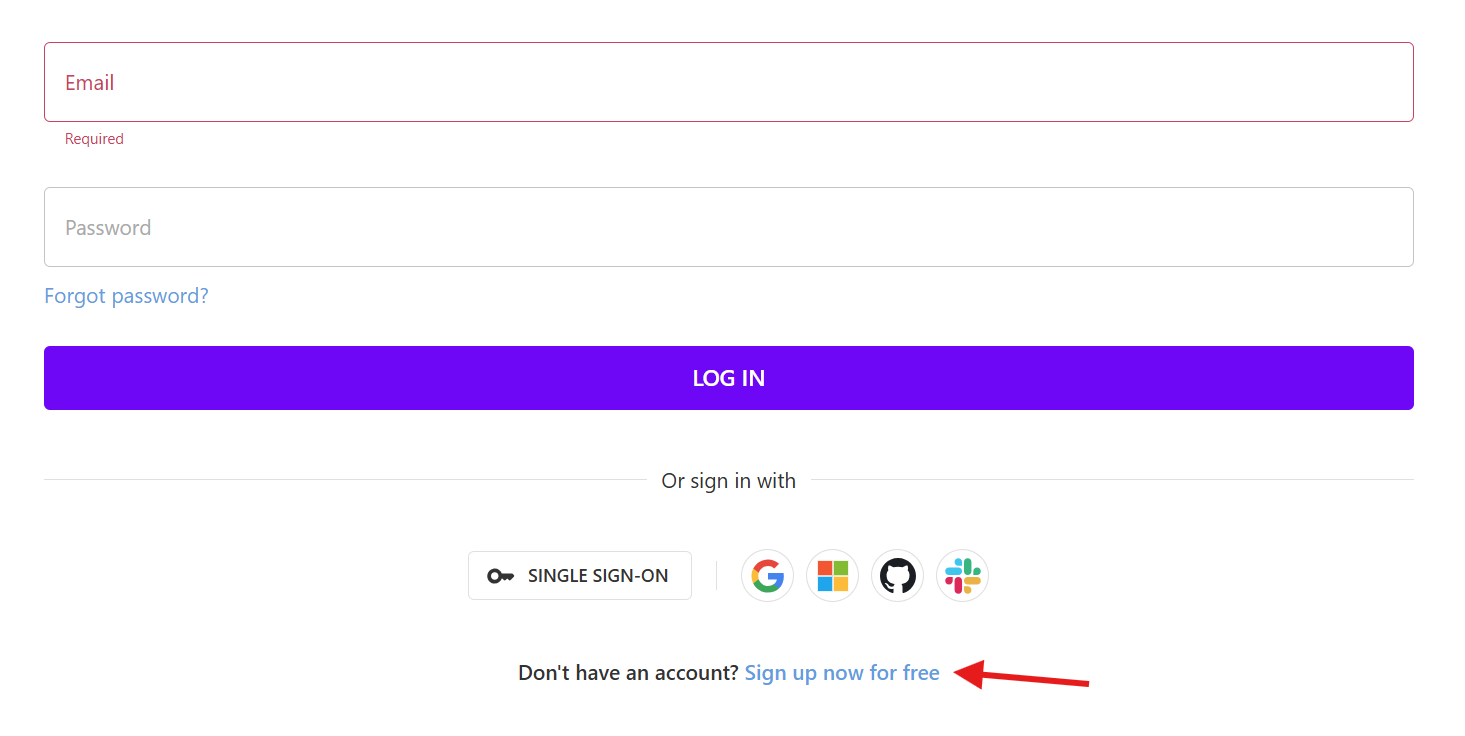
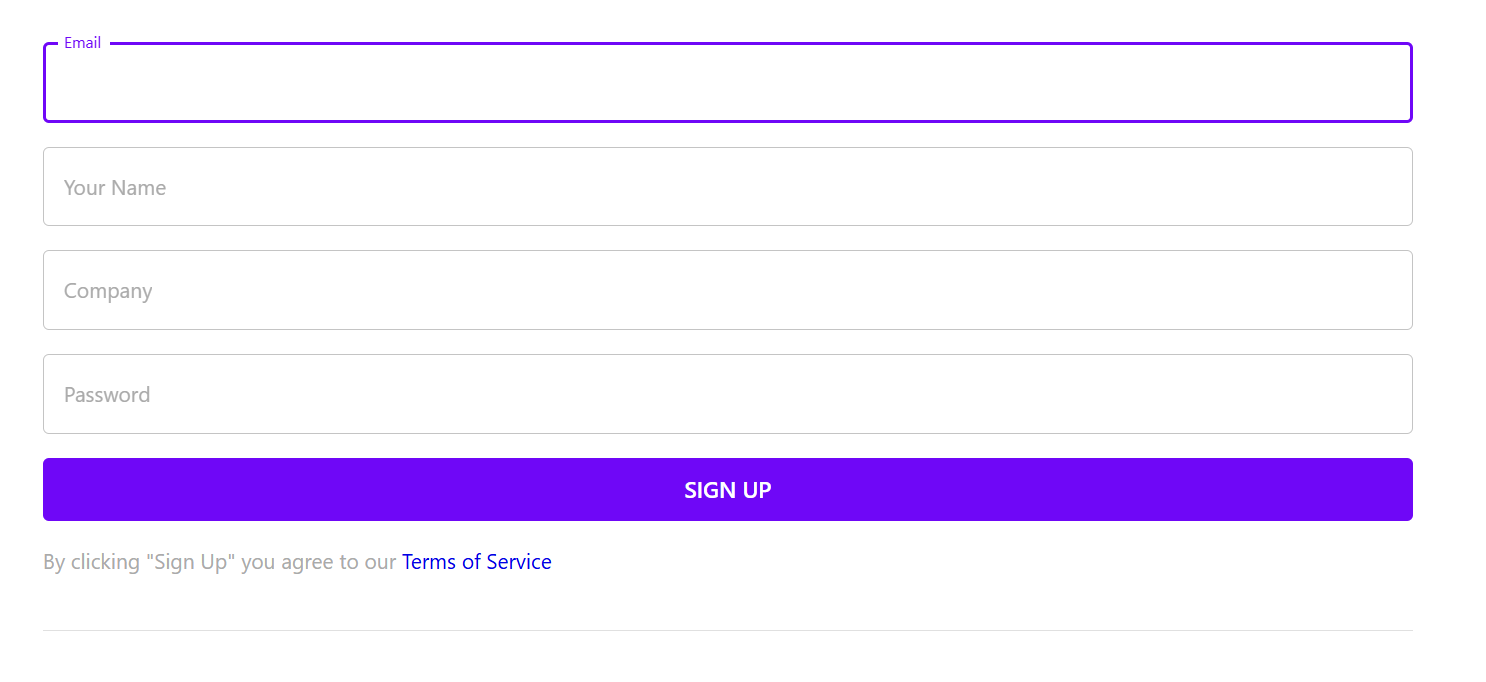
First, register an account on the Archera application. Fill in your information and click "Start Free Trial"
2. Connect to AWS
After Registration, click AWS
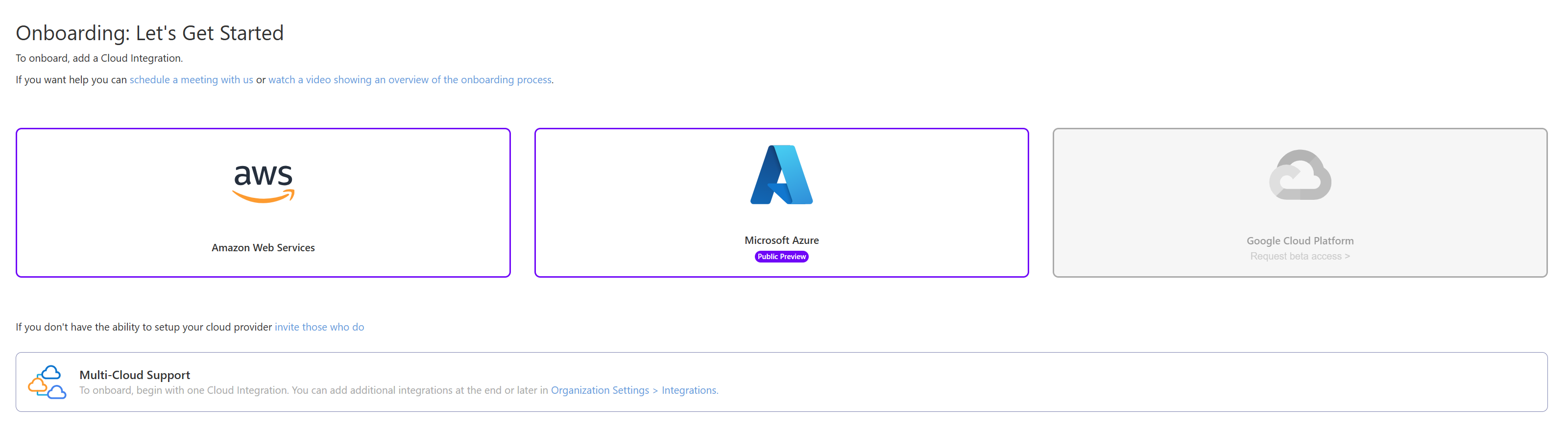
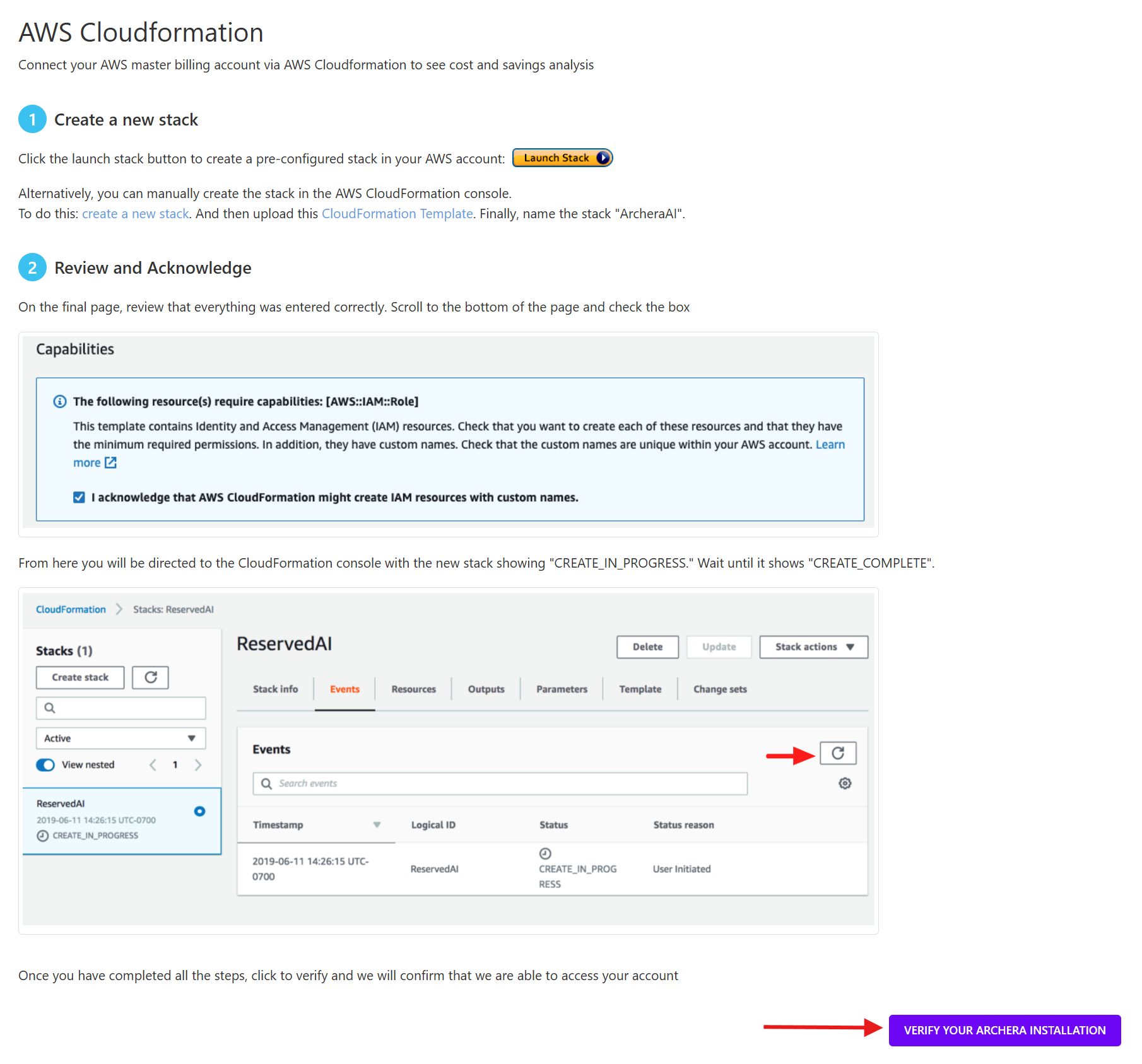
This will launch our guided walkthrough for connecting your AWS account to the Archera platform.
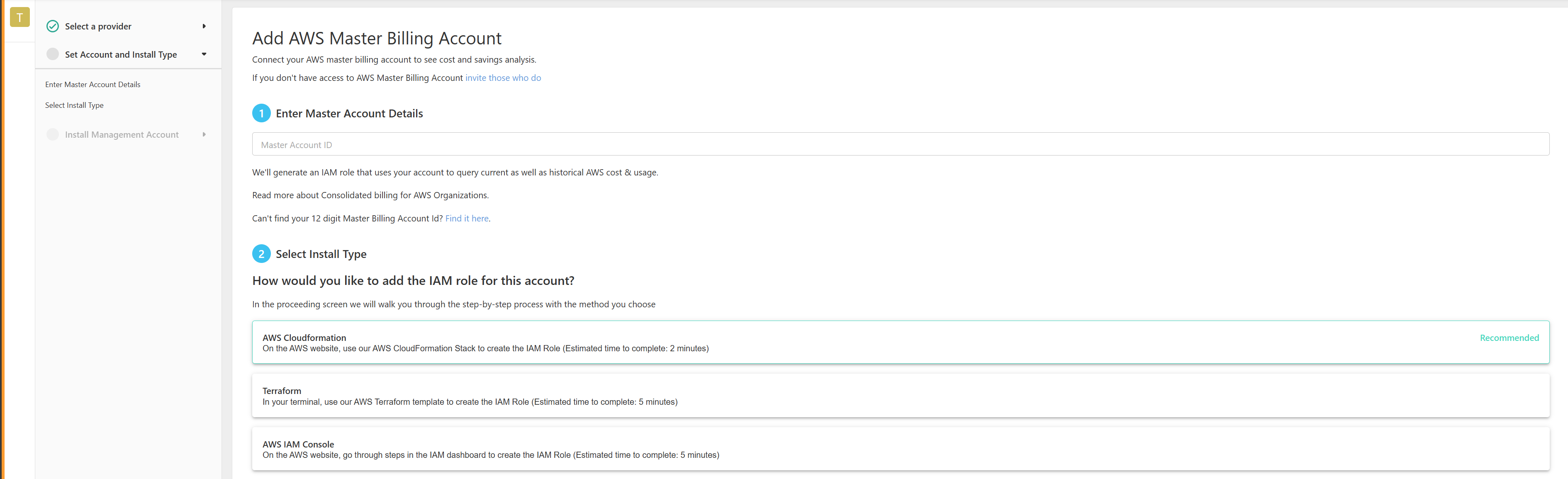
The walkthrough should be self explanatory and includes a number of options for methods. The Cloudformation method is the recommended approach, however any will work.

Once complete, please click "Verify Installation" to ensure that the Archera platform can communicate with your AWS.
Once verified - let's next take a look at your commitment coverage information.
3. Example: Optimizing Commitment Coverage
Now that we're connected to your account, the Archera platform creates a few Segments by default, including "All Resources". This Segment will allow you see information about all the infrastructure resources currently deployed in your AWS account and we'll be leveraging it for the remainder of the walkthrough. We encourage you to investigate segments further over time!
When you first login, you will be on the Actionable Savings page. This page gives you an overview of your Current monthly cost, Monthly Cost using Archeras recommended plan, days to break even with plan and current coverage level.
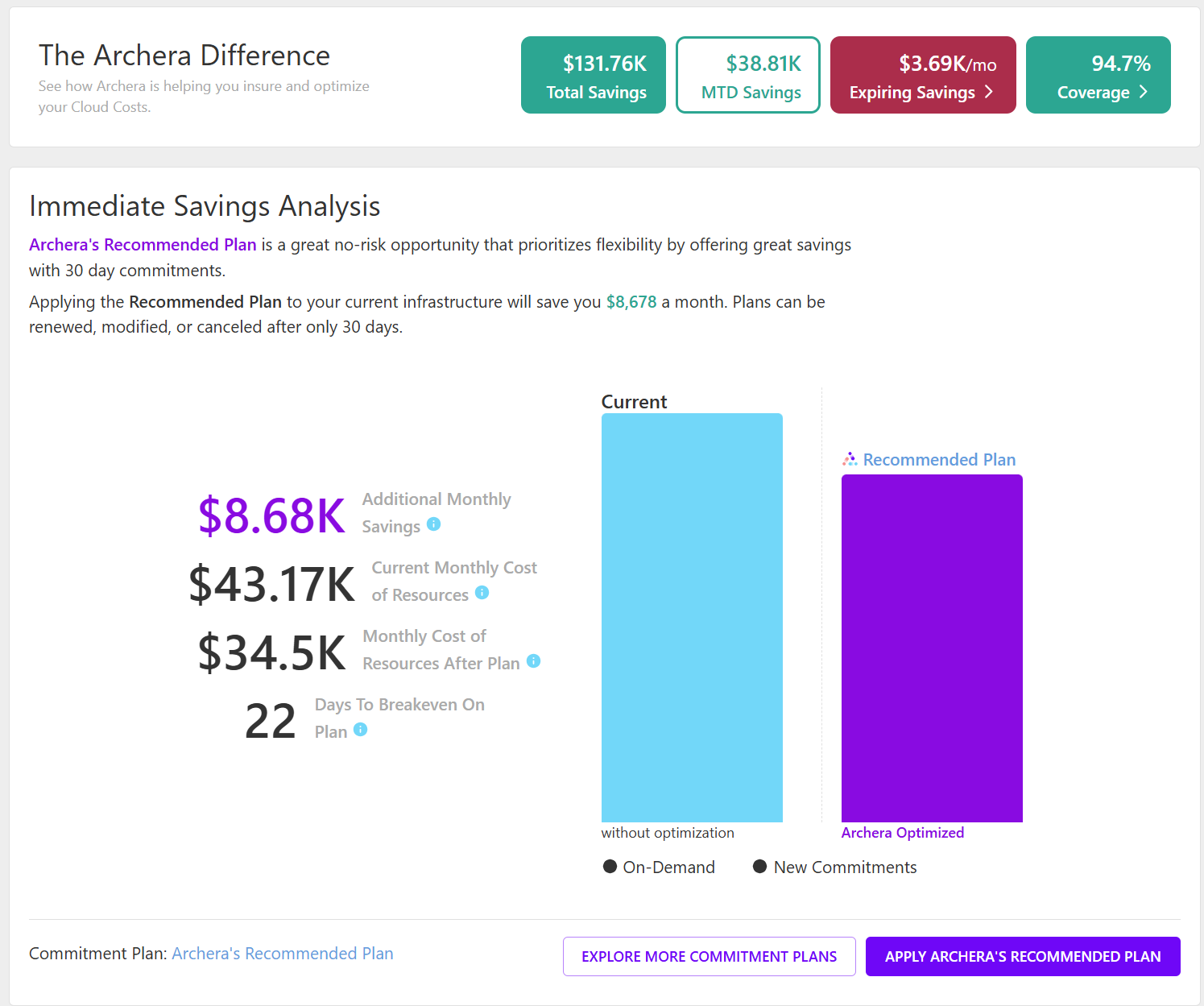
In this example from the Archera infrastructure, we see that we currently have coverage of 94.7%, and that the Archera Platform is recommending we increase our coverage%. You can click "Explore More Commitment Plans" at the bottom of the card to dive into the details.
When you click Explore more commitment plans. The summaries include relevant details about commitment types, potential savings, and overall spend commitments. Please see here for further details on the Archera Purchase Planner and Creating Custom Purchase Plans.
4. Automating Renewals
Lasty, for any existing commitments, Archera can optimize and automate the renewals. The process is very similar to creating a purchase plan, but now we are looking at existing commitments and either renewing them as-is, or optimizing them further with an Archera plan.
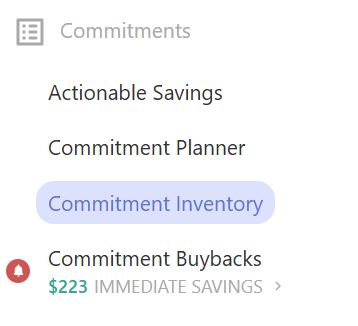
To get started, click Commitment Inventory from the top level menu:
Next, select the expiring commitments either by clicking the red bars in the chart or selected the individual commitments from the inventory below:

Once the commitments have been selected click "Create Renewal Plan". This will launch a view to explore pre-built plans, which you can juxtapose against the "Naive Renewal" i.e. renewing the existing commitments as is. You can also create a custom plan similar to the Purchase Planner.

Conclusion
Optimizing your commitment coverage is just one of many use cases for the Archera platform. We encourage you to check out the documentation or reach out to us at solutions@archera.ai to see how we can help you optimize your cloud financial management.